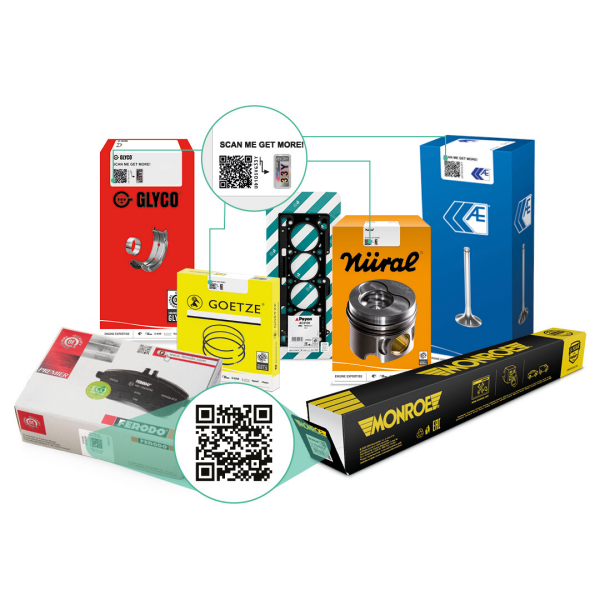
qr code on the packaging

PRODUCT INFORMATION, TECHNICAL RESOURCES & SUPPORT
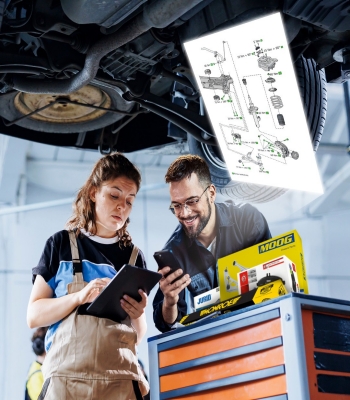
Simply scan the QR code on Monroe, Ferodo, MOOG, Jurid, Walker, or other DRiV product label* using your smartphone camera to instantly access a range of key resources like technical drawings, fitting instructions or part reference info.
*Available on selected DRiV brands featuring a QR code, including Monroe, Ferodo, MOOG, Jurid, Walker, AE, Payen, Nüral, Glyco, Goetze, FP Diesel, and Wagner.
This seamless digital connection helps save time in the garage, helps improve installation accuracy, and supports continuous learning on the job. It’s a smart, fast way to work—bringing trusted DRiV technical expertise directly to your hands, exactly when you need it.
QR CODE BENEFITS
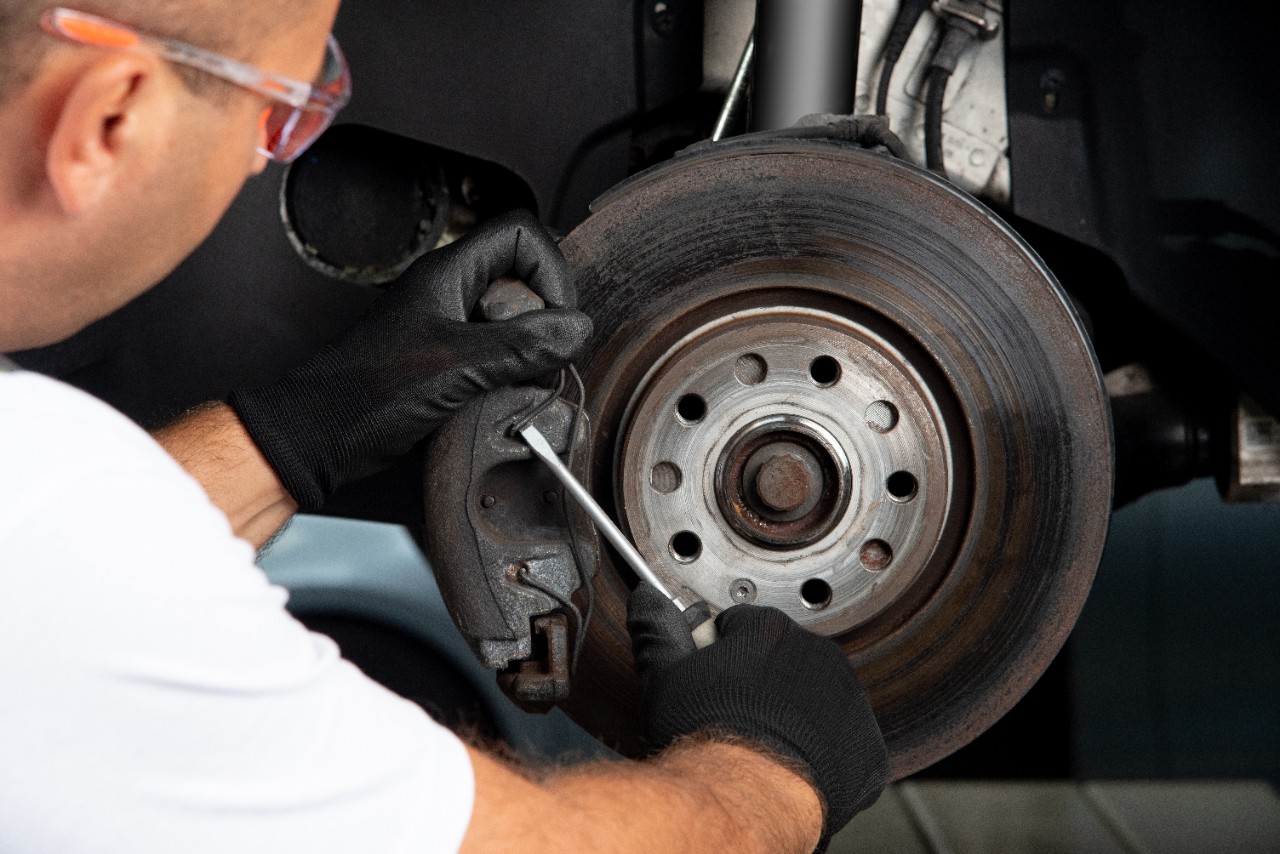
INSTALL WITH CONFIDENCE
- Fitting instructions
- Technical drawings
- Part reference info
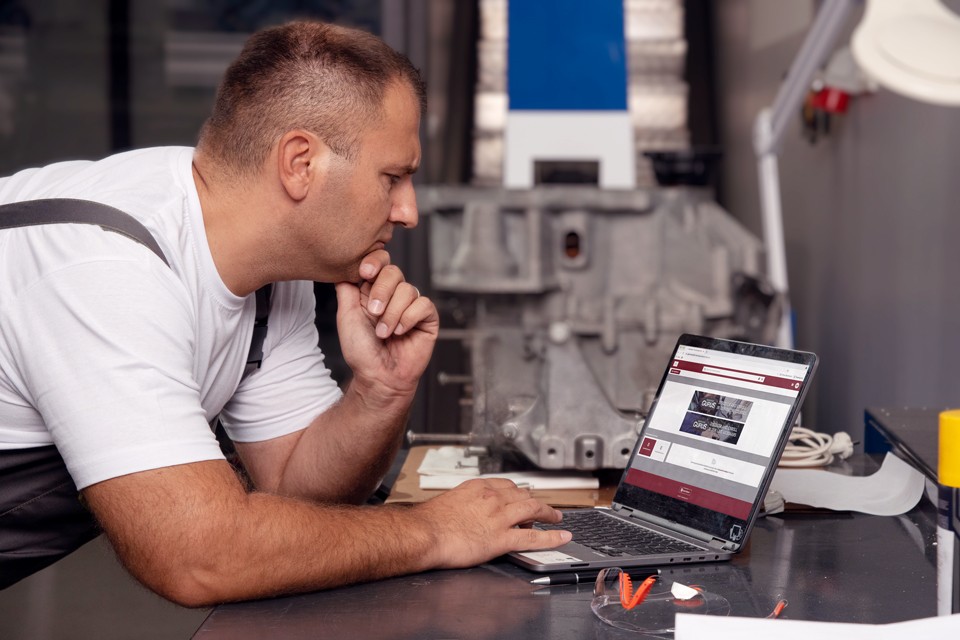
LEARN & DEVELOP
- Installation and diagnostic videos
- Technical articles
- Online courses
- Trouble Tracer Charts

GET ONGOING SUPPORT
- Direct contact with DRiV technical experts
- Warranty conditions
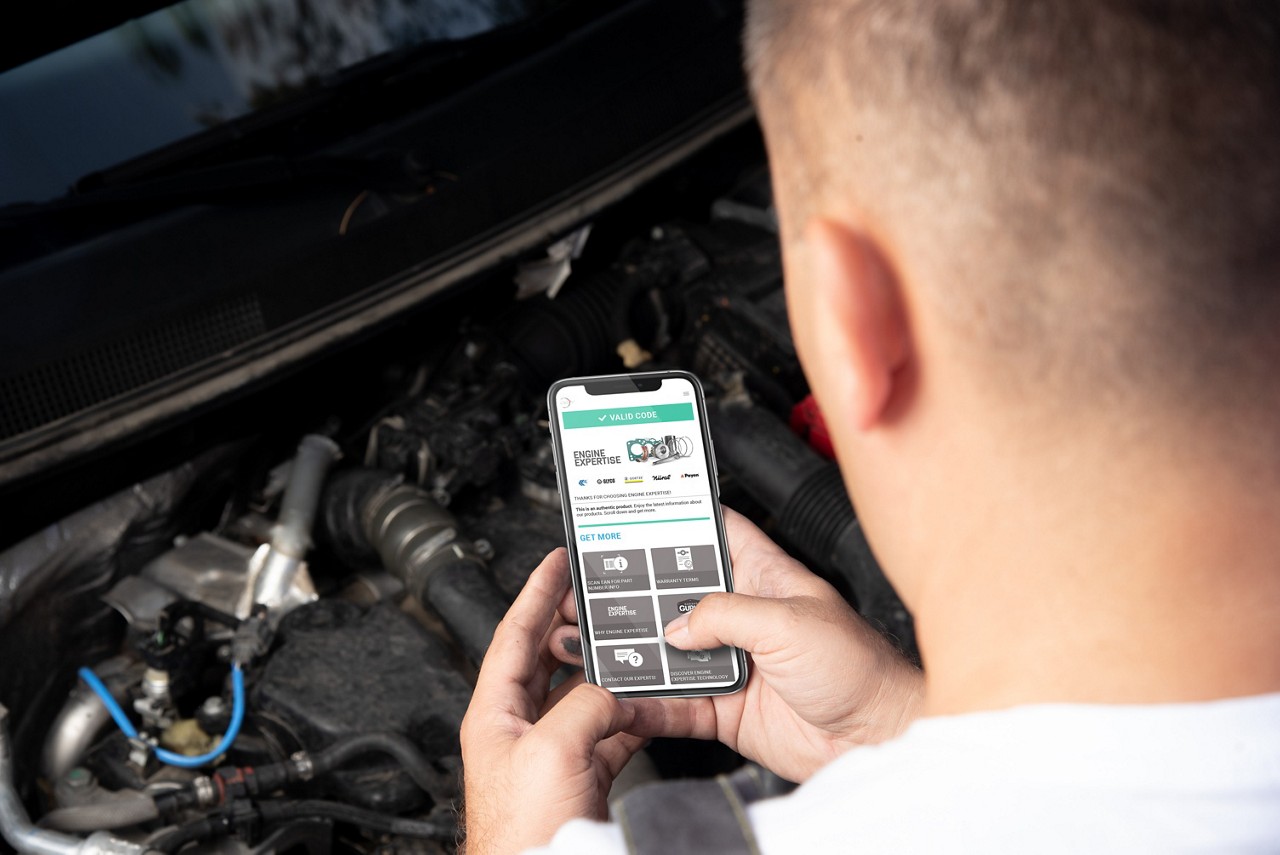
PROTECT YOUR PURCHASE
- Product authenticity verification
- Anti-Counterfeit Information
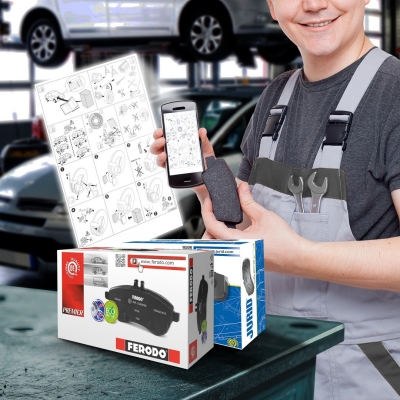
HOW TO GET FITTING INSTRUCTIONS FROM DRIV PARTS?
Fitting instructions provide clear guidance for correct installation, assembly, and positioning of components.
- Scan the QR Code on the product label.
- Select “Fitting Instructions” in the QR code menu.
- Scan the EAN Code of the product with your device camera.
- The PDF will be automatically downloaded in your smartphone.
Make sure to unblock your pop-up downloads in your mobile!
HOW TO GET TECHNICAL DRAWINGS FROM DRIV PARTS?
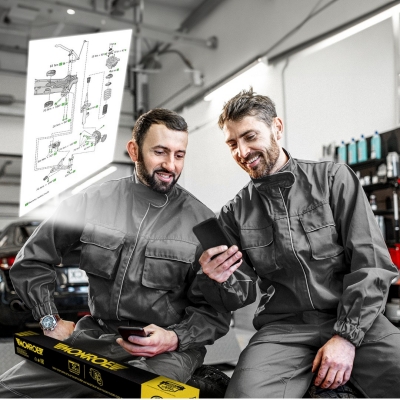
Technical drawings offer a detailed visual reference for each component, illustrating how parts are assembled, their proper orientation, and important specifications such as torque values.
- Scan the QR Code on the product label.
- Select “Technical Drawing” in the QR code menu.
- Scan the EAN Code of the product with your device camera.
- Accept the terms & conditions.
- Fill-in the vehicle details, including make, model, variant, and engine type.
- Get the technical drawing and add your e-mail to receive it.
SCAN TODAY!